
WordPress web development for business keeps winning because it balances flexibility, ownership and cost better than most alternatives. New builders and headless platforms come and go, yet WordPress remains the default choice for a large share of business sites. This guide explains why, the trade-offs, and how we build WordPress sites at Savoir Management.
Why does WordPress still reign in 2026?
WordPress is open source, extremely widely used and supported by a huge ecosystem of developers, themes and plugins. W3Techs reports it is used by 58.6% of websites with a known CMS, about 40% of all websites.

See W3Techs' WordPress usage statistics and its CMS market overview.
What is the state of web development in 2026?
Businesses expect fast, accessible, mobile-first sites that marketing teams can update daily. WordPress has adapted with the block editor, modern themes and performance improvements.

The WordPress block editor lets teams build pages with reusable blocks, and the Theme Handbook documents modern block themes.
What are the advantages of WordPress for business?
Ownership and portability, flexibility through themes and plugins, easy content editing, strong SEO control, a huge talent pool and lower long-term costs than many proprietary platforms.

Ownership: open-source software you can host and move anywhere
Flexibility: blogs, service sites, memberships and stores with WooCommerce
SEO: full control over URLs, titles, headings and structured data
Talent: easy to find developers and agencies
What are the trade-offs?
WordPress needs maintenance. Plugins and themes must be updated, hosting must be good and too many plugins slow sites and create security risk.
Follow WordPress's hardening guide and its hosting requirements: PHP 8.3 or greater, MySQL 8.0+ or MariaDB 10.11+ and HTTPS.
How does WordPress support long-term growth?
WordPress grows with you: new pages, languages, memberships, stores and integrations can be added without changing platforms, and content you publish keeps building search visibility.

Meet Core Web Vitals targets by choosing lightweight themes, limiting plugins and optimizing images.
When should you choose something other than WordPress?
Choose Shopify for a low-maintenance store, a site builder for a very simple short-term site, or a custom stack for complex web applications.
Compare options in Shopify vs WooCommerce, website builders vs developers and scalable web app development.
Block themes or page builders?
Block themes use WordPress's native block editor and full site editing, which keeps sites lighter and closer to core WordPress. Page builders offer more visual control but often add heavier code and lock-in to the builder.
For most new business sites, a well-built block theme with custom blocks and patterns gives editors flexibility without the performance cost of a large builder. The Theme Handbook documents block themes, patterns and templates. Page builders can still make sense for teams already invested in one, but test speed and plan for the effort of switching later.
How do you choose plugins wisely?
Install only plugins you need, choose well-maintained ones with active updates and good support, avoid overlapping features and review the plugin list regularly. Every plugin adds code, potential conflicts and security responsibility.
Before installing a plugin from the plugin directory, check when it was last updated, how many active installations it has, whether it is compatible with your WordPress version and what reviews say about support. Prefer a few robust plugins over many small ones. Remove plugins you no longer use instead of just deactivating them.
Test major plugin updates on a staging copy first, because a single incompatible update can break forms, checkout or layouts on a live site.
Which hosting does a business WordPress site need?
Choose hosting that meets WordPress's recommended requirements, offers server-level caching, automatic backups, staging environments, security monitoring and responsive support. Cheap shared hosting is a common cause of slow, unreliable sites.
WordPress recommends PHP 8.3 or greater, MySQL 8.0+ or MariaDB 10.11+ and HTTPS in its requirements. Managed WordPress hosting handles many updates and optimizations for you. Pair hosting with a CDN for faster delivery to visitors in different regions.
How do you keep WordPress secure?
Keep core, themes and plugins updated, use strong passwords and two-factor authentication, limit admin accounts, back up off-site, use reputable hosting and monitor for suspicious activity.
Most WordPress security problems come from outdated plugins, weak credentials and poor hosting rather than WordPress core. The official hardening guide covers file permissions, database security and other safeguards. Custom code should be reviewed against the OWASP Top 10.
How does WordPress handle SEO?
WordPress gives full control over titles, headings, URLs, content and structured data, and SEO plugins make settings like meta descriptions, sitemaps and canonical tags easy to manage.
Good SEO still depends on the build: fast templates, clean heading structure, descriptive URLs and strong internal linking. Follow Google's SEO Starter Guide and our guide to SEO-optimized web development.
Can WordPress run an online store?
Yes. WooCommerce turns WordPress into a full e-commerce platform, which suits content-led stores and businesses that want full control. It requires attention to hosting, speed and maintenance as the store grows.
Our comparison of Shopify vs WooCommerce explains when each platform fits best.
How do you train a team to use WordPress?
Give editors their own accounts with the right roles, provide a short guide to adding pages and posts with your custom blocks and patterns, and run a hands-on training session after launch.
Well-designed custom blocks and patterns make editing safer: editors choose approved layouts instead of building pages from scratch. A simple checklist for publishing, covering headings, alt text, links and categories, keeps quality consistent.
What does WordPress maintenance involve?
Regular core, theme and plugin updates, backups, uptime and security monitoring, performance checks and periodic reviews of content and plugins. Most businesses handle this through a maintenance plan.
Updates should be tested on staging for important sites, especially major plugin releases. A monthly report of updates, backups and performance keeps everyone informed.
When does WordPress become the wrong choice?
When the site is primarily a complex web application, when no one will maintain updates and security, or when a hosted platform like Shopify better fits a simple store with minimal technical resources.
For custom applications, see our guide to scalable web app development.
How do you migrate an existing site to WordPress?
Inventory existing pages and URLs, move content into the new structure, rebuild design as a theme, set up permanent redirects for any changed URLs and test thoroughly on staging before switching the domain.
Migrations from builders or older platforms usually move content rather than design. Plan the new information architecture first, then migrate pages into it, improving copy where needed. Keep URLs that rank or have backlinks, and redirect everything else to the closest new page, following Google's guidance on site moves with URL changes. After launch, monitor Search Console for errors and fix them quickly.
How does Savoir Management build WordPress sites?
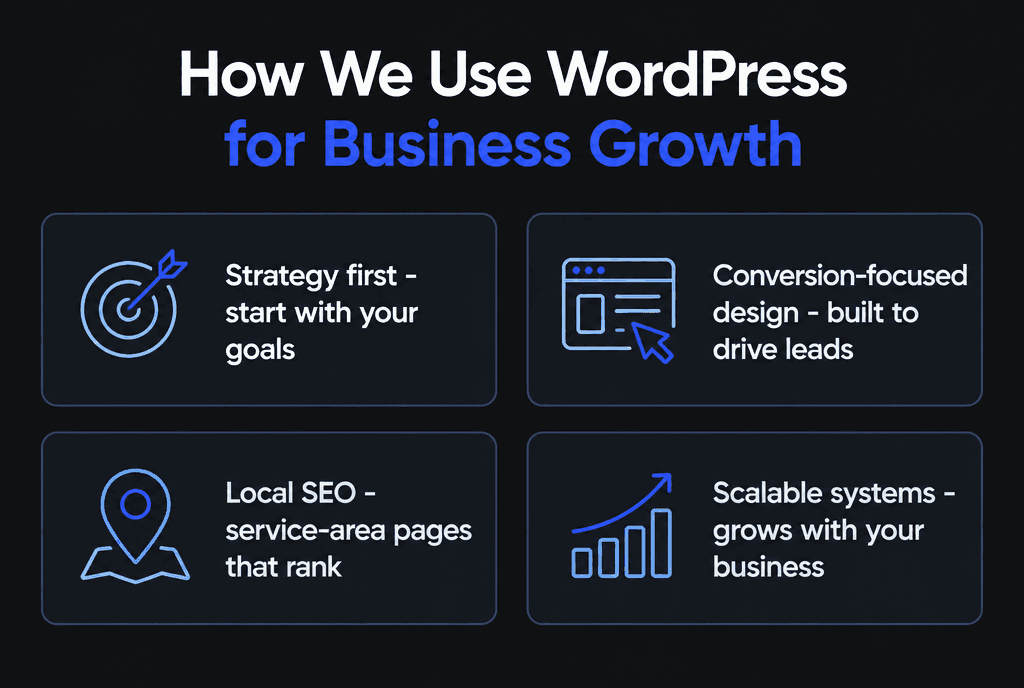
We build lightweight custom block themes, choose minimal, well-supported plugins, harden security, optimize speed and train your team to edit confidently, with maintenance plans to keep everything updated.
Our WordPress development team builds and maintains business sites. See also membership site development and blog websites for monetization.


