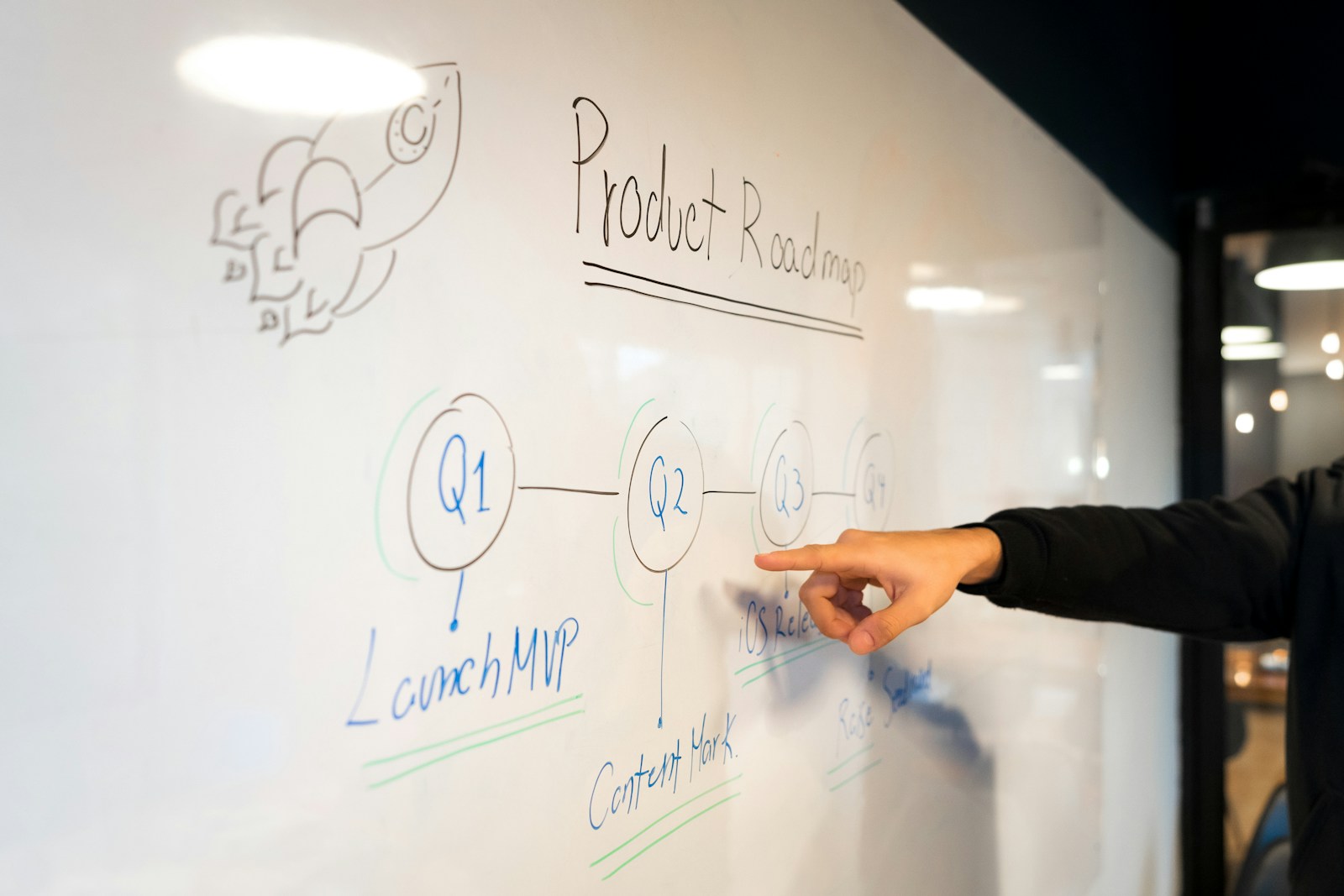
SaaS platform development is equal parts product, engineering and go-to-market. Many SaaS products fail not because the code is bad but because they solve a problem no one pays for, launch with too many features or lose users in the first session. This guide walks through the steps we follow when building SaaS products at Savoir Management.
Step 1: How do you define a SaaS vision and market fit?
Start with a specific problem for a specific customer, confirmed in interviews before you write code. If people cannot describe the cost of the problem and how they solve it today, the market may not pay for your solution.
Interview 15 to 30 target customers.
Document current workarounds and what they cost.
Pre-sell or run a waitlist to test willingness to pay.

Step 2: How do you map features and user experience?
Map the core workflow that delivers the outcome, then cut everything not needed to complete it. Prototype the flow and test it with real users before building.
Nielsen Norman Group's usability testing basics apply directly. Their research suggests testing with about five users per round uncovers most usability problems.

Step 3: What architecture should a SaaS platform use?
Use a managed cloud platform, a stateless application layer that can scale horizontally, a relational database for core data and proven services for authentication, billing, email and file storage. Design multi-tenant data separation from day one.
Frameworks such as AWS Well-Architected and the Twelve-Factor App methodology describe practices for reliability, security and scalability.
Step 4: How do you build security and compliance in?
Treat security as a feature: secure authentication, role-based permissions, encryption, logging, backups and dependency updates. B2B buyers often require a SOC 2 report, so plan controls early.
Build against the OWASP Top 10 risks. The AICPA explains SOC reports that many enterprise customers request.
Step 5: How should SaaS billing work?
Use a proven subscription billing service for plans, trials, upgrades, proration, invoices, taxes and failed-payment recovery. Custom billing code is a common source of bugs and revenue loss.
See Stripe's guide to how subscriptions work and our article on recurring revenue platforms.
Step 6: How do you develop the product strategically?
Ship in small increments, instrument every key action, and let usage data decide what to build next. A short, regular release cycle beats a long, risky one.
Track activation events, such as the first project created or first report shared.
Use feature flags to release safely.
Keep a public changelog to show momentum.

Step 7: How do you launch with a strategic promotion plan?
Launch with search-optimized landing pages, educational content, targeted paid search, partnerships and a clear trial or demo path. Pre-launch waitlists and early customer stories make launch week far stronger.
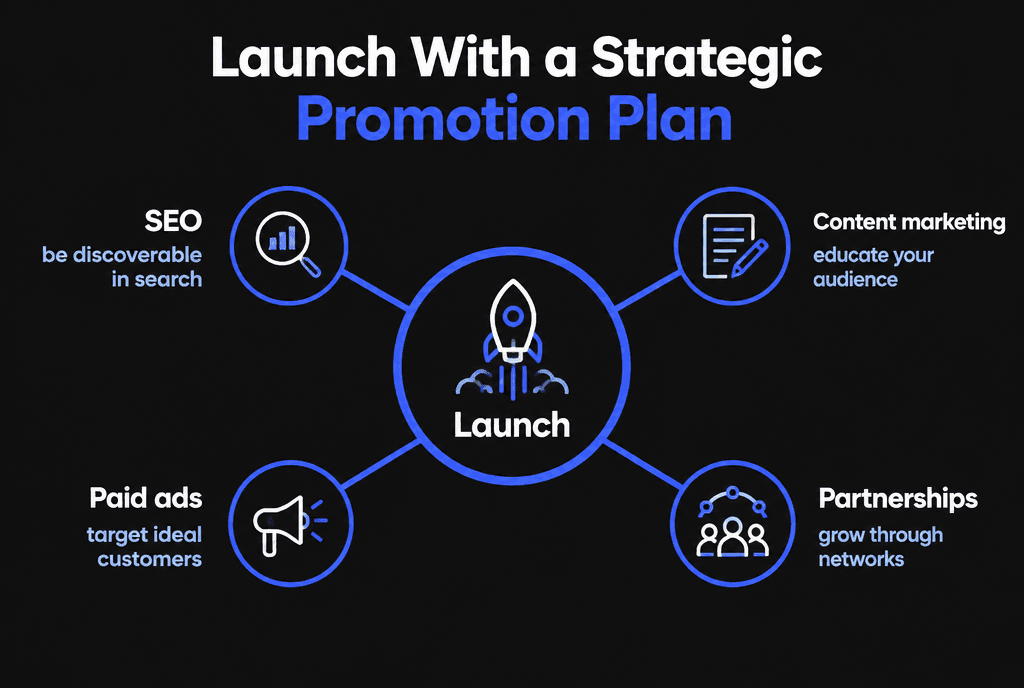
SEO: pages for each use case, integration and comparison.
Content: guides that solve your buyers' adjacent problems.
Paid ads: high-intent keywords. See how to launch a profitable Google Ads campaign.
Partnerships: integrations and co-marketing with complementary tools.
How do you design onboarding that activates users?
Identify the first moment users experience real value, then remove every step between sign-up and that moment. Use a short checklist, sensible defaults, sample data and timely guidance rather than long tours.
Activation is the strongest early predictor of retention. If your product helps teams create reports, activation might be "first report shared with a colleague." Design onboarding around reaching it:
Ask only for the information needed to start; collect the rest later
Pre-fill templates or sample data so the product never looks empty
Show a simple checklist of three to five setup steps with progress
Trigger help emails based on what users have or have not done
Offer a quick call or live chat for accounts that stall
Measure the percentage of new sign-ups who reach activation within the first week, and treat improving it as a core product goal.
What should the marketing website include?
A SaaS marketing site needs clear positioning, product and use-case pages, transparent pricing, integrations, security information, customer stories, documentation or help content and a frictionless trial or demo path.
Keep the marketing site separate from the application so marketing can update pages quickly without engineering releases. Build pages for each audience and use case, comparison pages against alternatives buyers consider, and an integrations directory if your product connects to other tools. Our guide to B2B web development covers how to serve buying committees.
How should a SaaS pricing page work?
Show a small number of clearly different plans, name them by who they suit, highlight the recommended plan, list key differences in plain language and answer billing questions on the same page.
Include whether prices are per user or per account, monthly versus annual billing, what happens at limits, how trials work and how to cancel. A short FAQ below the plans removes doubts that otherwise become sales emails. If you sell to enterprises, add a contact option for custom terms alongside self-serve plans.
How do you plan integrations and APIs?
Prioritize integrations your customers already use daily, design a stable, documented API early and treat integrations as product features with their own pages, onboarding and support.
Integrations make a product harder to replace and help it fit into existing workflows. Start with the two or three tools your target customers rely on most, such as CRM, accounting or communication tools. Version your API, document it clearly and secure it with proper authentication, rate limiting and input validation in line with the OWASP Top 10.
How do you keep customer data separate and safe?
Design multi-tenant data separation from day one, enforce access controls on every request, encrypt sensitive data, log access and test regularly for permission bugs. A single data leak between customers can end a SaaS business.
Every query should be scoped to the customer account making the request. Automated tests should check that one tenant can never see another tenant's data. Plan backups, disaster recovery and incident response before launch, and document them for customers' security reviews.
Should you build with no-code tools or custom code?
No-code and low-code tools can validate an idea quickly and cheaply. Custom development makes sense once the product is proven and needs performance, flexibility, integrations or security that tools cannot provide.
Many successful products start with a prototype built on no-code tools, then rebuild core parts in custom code as usage grows. The key is to treat the first version as a learning tool, keep data portable and plan the transition before limits become emergencies.
What does support look like after launch?
Plan for in-app help, a knowledge base, email or chat support, status updates and a process for bug reports and feature requests. Good support reduces churn and turns feedback into roadmap decisions.
Track common support questions; each one is a sign that onboarding, documentation or the product itself could be clearer. A public changelog and occasional product update emails show customers the product is improving, which supports renewals.
How do you scale a SaaS platform after launch?
Scale what drives retention: onboarding, the core workflow and integrations. Monitor performance and costs as usage grows, and invest in reliability before it becomes an emergency.
Track monthly recurring revenue, churn, activation rate and lifetime value in Google Analytics and your billing system. Our guide to scalable web app development covers the technical side.
How do you choose a SaaS development partner?
Choose a team that challenges scope, has shipped SaaS products, builds with security and billing best practices, and stays involved after launch.
Our custom web development team builds SaaS MVPs and platforms. For budgeting, see how much custom web development costs.