
Learning how to launch a Google Ads campaign profitably is mostly about doing things in the right order. Most wasted budget comes from launching before tracking works, bidding on vague keywords and sending clicks to a homepage. This seven-step checklist is the one we follow for every new account at Savoir Management.
Step 1: How do you set profitable campaign goals?
Define one primary conversion and a target cost per acquisition based on your margins and close rate. Without a target, you cannot tell whether a campaign is profitable or just busy.
Work it out on paper:
Average sale value: $1,500
Gross margin: 50%, so $750 profit per sale
Lead-to-sale close rate: 25%
Maximum cost per lead to break even: $750 x 25% = $187.50
Set your target below break-even, for example $120 per lead, and judge everything against it.

Step 2: How do you set up conversion tracking?
Install conversion tracking before spending a dollar, and count only valuable actions such as purchases, qualified form fills and calls longer than a minute. Smart bidding learns from whatever you mark as a conversion.
Google lists the options in its guide to conversion tracking. Use Google Analytics and Google Tag Manager if you want one place to manage tags.
Step 3: How do you choose keywords that make money?
Pick keywords that signal intent to buy, group them into tight themes and add negatives from day one. Phrase and exact match keep early spend focused while you learn.
Google's tips for building a keyword list recommend thinking like a customer and grouping similar terms. In practice:
Prioritize "service + city," "buy," "price," "near me" and "best" modifiers.
Use phrase and exact match for the first month.
Add a starter list of negative keywords: free, jobs, salary, DIY, template, course.
Step 4: How do you build ads that command attention?
Write responsive search ads that include the keyword, a specific benefit, proof and a call to action, and add sitelinks, callouts and call assets. Relevant ads earn higher click-through rates and better Quality Scores.
Responsive search ads test combinations automatically, so give them distinct headlines: one with the keyword, one with a benefit, one with proof and one with an offer.

Step 5: How should you budget and bid at launch?
Start with a daily budget that can buy enough clicks to collect 15 to 30 conversions in the first month, keep bidding simple, and do not raise the budget until cost per conversion is near target.
Week 1 to 2: Maximize Clicks with a bid cap, or manual CPC, to gather data.
Once conversions are recording: switch to Maximize Conversions.
With steady volume: set Target CPA.
Google's guide to choosing a bid strategy explains each option.
Step 6: What landing page should the campaign use?
Send each ad group to a page that repeats the ad's promise, loads fast on mobile and offers one clear action. A dedicated landing page usually converts far better than a homepage.
See our landing page development guide for the full structure, and our site speed guide if pages load slowly.
Step 7: How do you scale a campaign without wasting money?
Scale only what works: raise budgets on campaigns that hit target cost, expand to keywords similar to your best converters and add remarketing. Review search terms weekly as spend grows.
Raise budgets about 20 to 30% at a time.
Add remarketing to site visitors through data segments.
Test Performance Max only once Search is profitable and tracking is reliable.

How should you structure campaigns and ad groups?
Group keywords by service or product and by intent, with one tightly themed ad group per topic. Each ad group should have ads and a landing page that match its keywords closely.
A clear structure makes campaigns easier to manage and improves relevance. A typical setup for a service business:
Campaign per service line or location, each with its own budget
Ad groups per specific service or intent, such as "emergency repair" versus "installation quotes"
Ads that repeat the ad group's main keyword theme in headlines
A landing page for each major ad group or service
Keep brand keywords in their own campaign so they do not hide the true cost of winning new customers. Google's keyword list tips explain how to group terms by theme.
Which negative keywords should you add before launch?
Add obvious irrelevant terms before spending a dollar: jobs and careers, free, DIY, training or courses, and any services or locations you do not offer. Then expand the list weekly from the search terms report.
Negative keywords stop ads from showing on searches that will never convert. A starter list might include "jobs," "salary," "free," "how to," "DIY," "course," "used" or competitor names you do not want to target. Build shared negative lists so every campaign benefits.
Which ad assets should you add at launch?
Add sitelinks, callouts, structured snippets and call assets from day one, plus location assets if you serve customers locally. Assets make ads more informative and can improve performance.
Google's guide to assets lists the available types. Point sitelinks to high-value pages such as pricing, reviews and booking, and use callouts for concrete benefits like free estimates, same-day service or financing.
What should you do in the first 72 hours?
Confirm ads are approved and serving, conversions are recording, spend is pacing as expected and search terms look relevant. Fix problems immediately, but avoid large strategic changes until more data arrives.
Check for disapproved ads or limited delivery
Place a test conversion and confirm it appears in Google Ads
Review the first search terms and add negatives
Check spend against budget and look for unexpected spikes
Make sure calls and form leads are reaching the right people
How do you know if the campaign is profitable?
Calculate your break-even cost per acquisition: the profit from an average customer divided by how many leads it takes to win one. If your cost per lead stays below that, the campaign is profitable.
For example, if a customer is worth $1,000 in profit and one in four leads becomes a customer, you can afford up to $250 per lead to break even. Track leads through to sales in your CRM so the calculation uses real close rates. Our 30-day optimization plan explains how to move costs toward that target.
When should you get professional help?
Consider help when spend is growing, results have plateaued, tracking is unreliable or you lack time to review the account weekly. Expert management often pays for itself through lower waste.
Choose a partner who reports on leads and revenue, gives you ownership of your ad account and explains changes in plain language. Our Google Ads team manages campaigns with those principles.
How should you write your first responsive search ads?
Write many distinct headlines and several descriptions covering your main keyword, benefits, proof, offer and call to action. Google mixes them to find the best combinations, so variety matters.
Google's best practices for responsive search ads recommend providing as many unique headlines as you can. Include the service and location, a clear benefit, a proof point such as years in business or ratings, a specific offer and a direct call to action. Pin headlines only when necessary, for example for legally required wording, because pinning reduces the combinations Google can test. Review asset performance after a few weeks and replace the weakest headlines with new ideas.
What advanced tactics improve ROI?
After the basics work, improve ROI with ad scheduling, device and location bid adjustments, offline conversion imports and audience layering on Search. Each one shifts spend toward the most profitable clicks.
Ad scheduling for the hours you can answer calls
Bid adjustments for top-performing locations and devices
Importing closed deals from your CRM so bidding learns from revenue

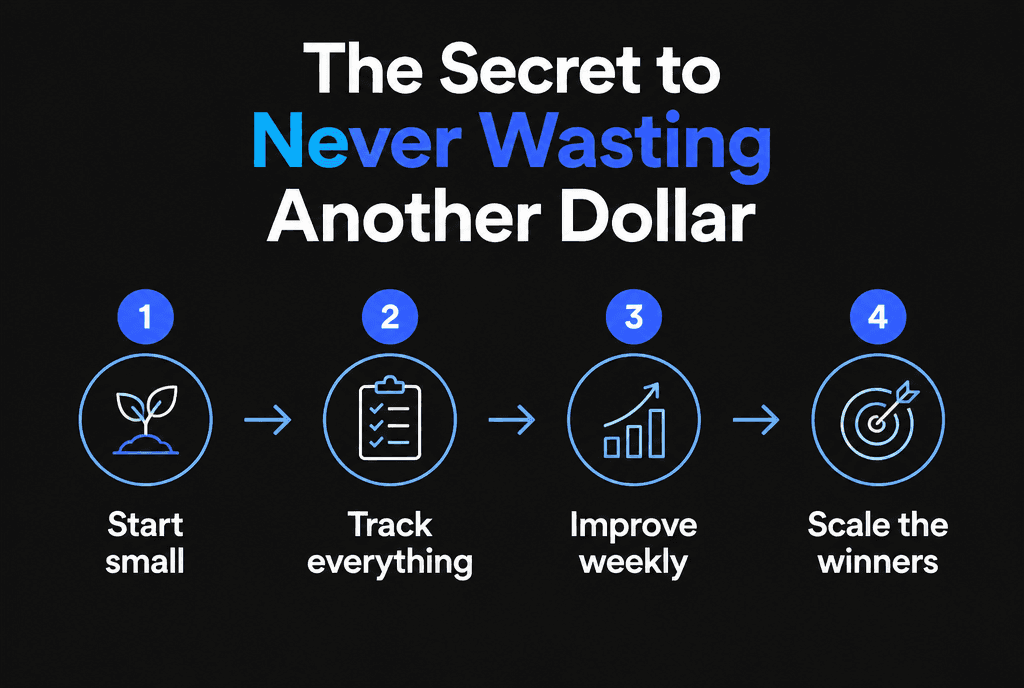
What is the secret to never wasting another dollar?
Start small, track everything, improve weekly and scale only the winners. Profit in Google Ads comes from a repeatable routine, not a perfect launch.
Next, read the Google Ads strategy we use for conversions and how to lower Google Ads CPC. Prefer a hands-off launch? Our Google Ads team builds and manages campaigns for small businesses.


