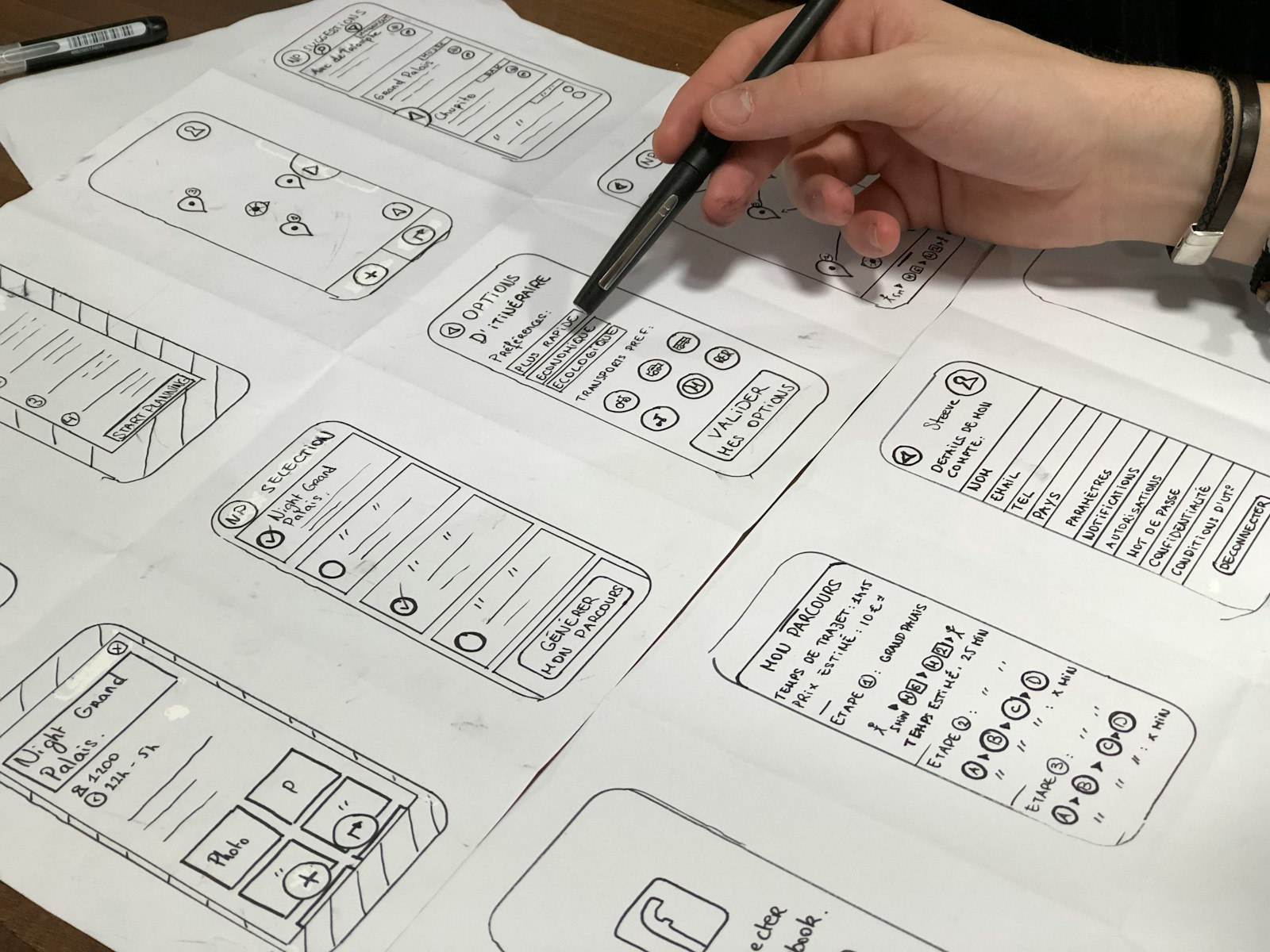
SEO-optimized web development is the difference between a website that looks good and one that also gets found. A client-focused site answers visitors' questions fast; an SEO-focused site helps Google understand and trust it. The best sites do both from day one. This guide explains how we plan and build sites at Savoir Management so they serve people first and rank as a result.
What does SEO-optimized web development mean?
It means building a site's structure, code, speed and content so search engines can crawl and understand every page, while visitors get a fast, clear path to what they need. SEO is planned into the sitemap and code, not added after launch.
Google's SEO Starter Guide frames the goal simply: help search engines understand your content and help users find it. Development choices such as navigation, URL structure, rendering and speed shape both.
Step 1: How do you understand your audience before building?
Start by defining who the site serves, what they expect and what problems it must solve. Those answers decide which pages exist, what each page says and which keywords it targets.
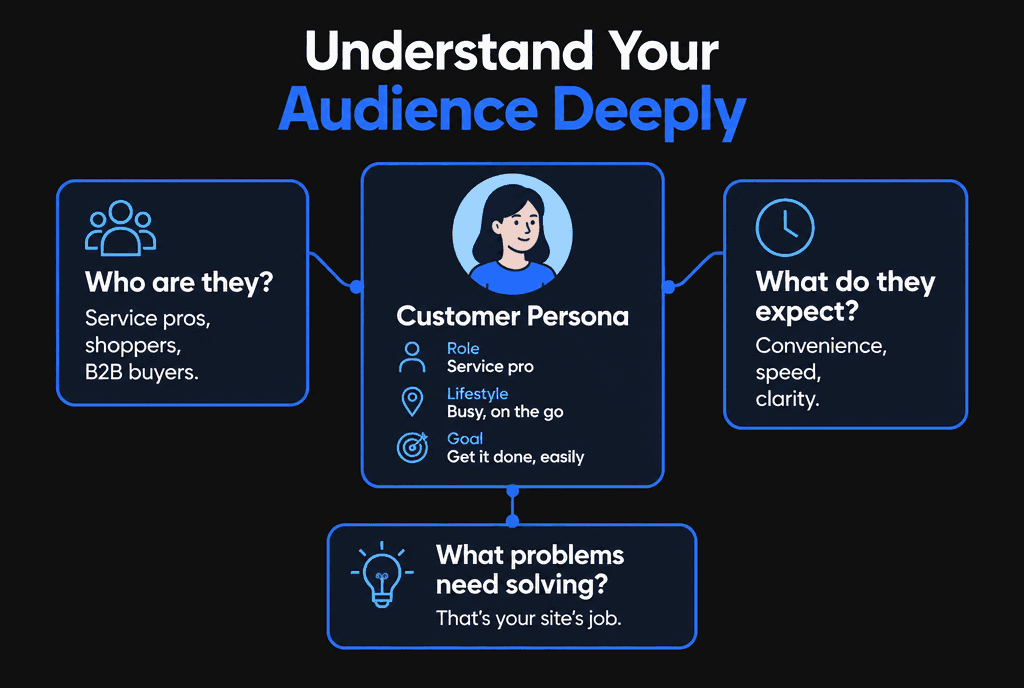
Interview customers, review sales calls and study search queries. Map each audience question to a page or section.
Step 2: How should site structure support SEO?
Use a simple hierarchy: home, a few service or category hubs, and detailed pages beneath them, connected with descriptive internal links. Clear structure helps users navigate and helps Google understand which pages matter most.
Keep important pages within three clicks of the homepage.
Use short, descriptive URLs.
Link between related pages with descriptive anchor text, following Google's link best practices.
Submit an XML sitemap in Search Console.
Step 3: How do you create SEO-optimized content that converts?
Write each page for one primary search intent, answer the main question early, use clear headings and include proof. Google's guidance favors helpful, people-first content written with real experience.
Read Google's guidance on creating helpful, reliable, people-first content. Target what clients search for when they are ready to buy, such as "marketing strategy for small law firms," rather than broad vanity terms.

Step 4: Which technical foundations matter most?
Fast loading, mobile-first layouts, HTTPS, crawlable rendering, unique titles and meta descriptions, and structured data are the technical foundations that matter most.
Mobile first: Google uses the mobile version of content for indexing and ranking, per its mobile-first indexing guidance.
Speed: Core Web Vitals targets are LCP within 2.5 seconds, INP of 200 milliseconds or less and CLS of 0.1 or less.
Titles and descriptions: follow Google's guidance on title links and meta descriptions.
Structured data: mark up organization, articles, products, FAQs and local business details where they apply.
Step 5: How do you optimize for conversions and trust?
Make the next step obvious on every page, place proof such as reviews and results near calls to action, and remove distractions. Rankings only pay off if visitors take action.
Nielsen Norman Group found that users often leave web pages within 10 to 20 seconds, but a clear value proposition holds attention much longer. Put the value proposition and primary call to action above the fold.

How should internal linking be planned?
Plan internal links as part of the sitemap: connect each service page to related articles, link articles back to the service they support and use descriptive anchor text. Internal links help search engines discover pages and understand how topics relate.
Google can only follow links it can crawl, so use standard HTML links, as explained in its guidance on crawlable links. A simple model is the topic cluster: one main page for a service or topic, supported by several detailed articles that each answer a specific question and link back to the main page. Keep important pages within a few clicks of the homepage, and update older articles to link to new ones as you publish.
How should URL structure plan for growth?
Use short, descriptive, lowercase URLs organized by section, such as /services/roof-repair or /blog/how-to-choose-a-roofer. Plan sections you will add later so URLs never need to change.
Changing URLs later requires redirects and can temporarily affect rankings, so it pays to plan early. Avoid dates and unnecessary parameters in URLs, keep one version of each page and use canonical tags where similar pages exist. Google's guidance on consolidating duplicate URLs explains how canonical signals work.
How do structured data and AI search fit in?
Structured data describes your business, services, articles and FAQs in a format search engines can read. Clear structure, direct answers and accurate markup also make content easier for AI-powered search features to understand and cite.
Google's introduction to structured data explains the formats it supports. Common types for business sites include Organization, LocalBusiness, Article, Product and BreadcrumbList. Beyond markup, write pages that answer questions directly: a clear question as a heading, a concise answer immediately below, then supporting detail and sources. That pattern serves readers who skim, featured snippets and answer engines alike.
How should images be optimized for search?
Use descriptive file names, meaningful alt text, appropriate dimensions and modern formats such as WebP or AVIF, and place images near relevant text. Optimized images load faster and can bring traffic from image search.
Google's image SEO best practices recommend high-quality images, descriptive alt text and context from surrounding content. Compress images and set width and height attributes to prevent layout shifts, which also helps Core Web Vitals.
How do you measure SEO results after launch?
Use Search Console to track impressions, clicks, queries and indexing, and analytics to track conversions from organic visitors. Review monthly and improve pages that get impressions but few clicks or conversions.
Search Console shows which queries trigger your pages and how often people click. Pages with many impressions but low click-through rates often need better titles and descriptions. Pages with good traffic but few conversions need stronger calls to action. Connect organic traffic to leads and sales so SEO is judged on business results.
How does content maintenance protect rankings?
Review key pages at least yearly: update facts and statistics, refresh examples, fix broken links and add answers to new questions customers ask. Outdated content loses trust with readers and search engines.
Keep a simple content inventory with each page's purpose, primary keyword, last update date and performance. Prioritize updates for pages that rank on page one or two, because small improvements there produce the biggest gains.
How do you choose which pages to build first?
Start with pages that match high-intent searches for your core services and locations, then add supporting articles that answer the questions buyers ask before they choose a provider.
List your services, the places you serve and the problems customers come to you with. Each important combination, such as a service in a city, deserves its own focused page if there is real demand. Then gather the questions your sales team hears most often; each one can become an article that links to the matching service page. Building in this order means the pages most likely to produce leads go live first, while supporting content strengthens them over time. Avoid creating near-duplicate pages that only swap a city name, because thin, repetitive pages help neither readers nor rankings.
How does this approach build long-term visibility?
A well-structured, fast, helpful site keeps earning traffic as content grows, because each new page strengthens topic clusters and internal links. Paid ads stop when budgets stop; organic visibility compounds.
Plan content clusters around your services, link every supporting article to its hub page, and update key pages as your services change.

What mistakes undermine SEO in web development?
The costly mistakes are launching without redirects from old URLs, blocking pages from crawling, using script-only navigation, ignoring mobile performance and building pages without a clear search intent.
Read our list of web development mistakes that hurt SEO and the website launch checklist before going live. For speed specifically, see how to improve site speed.
How do you choose a team for SEO-optimized web development?
Choose a developer who plans keywords and structure before design, shows Core Web Vitals results from past projects, handles redirects and analytics, and builds content management you can use yourself.
At Savoir Management, our web development team builds on custom code or WordPress and works with our SEO team from the first wireframe.